Typeset Viewer
Open a .typ, .md, .tex, or PDF file and read it as a finished document that refreshes when you save and keeps your place. Look up unfamiliar terms, annotate passages, follow references, and turn a paper into questions you can return to.
Free. Requires macOS 14 or later on Apple silicon. Signed and notarized, so it opens without a security warning.
A note from the author
I like to edit a LaTeX file in one window and watch it refresh in another. So I wrote an app for that.
I wanted to keep using my editor and the command-line tools behind it. Typeset Viewer runs latexmk, typst, or Pandoc and puts the rendered PDF in a native window. It builds in a temporary directory, so working folders do not fill with .aux and .log files.
Typst works the same way. I've moved to Typst for everything I'm not submitting somewhere that insists on LaTeX.
— Oliver Steele
Read without losing your place
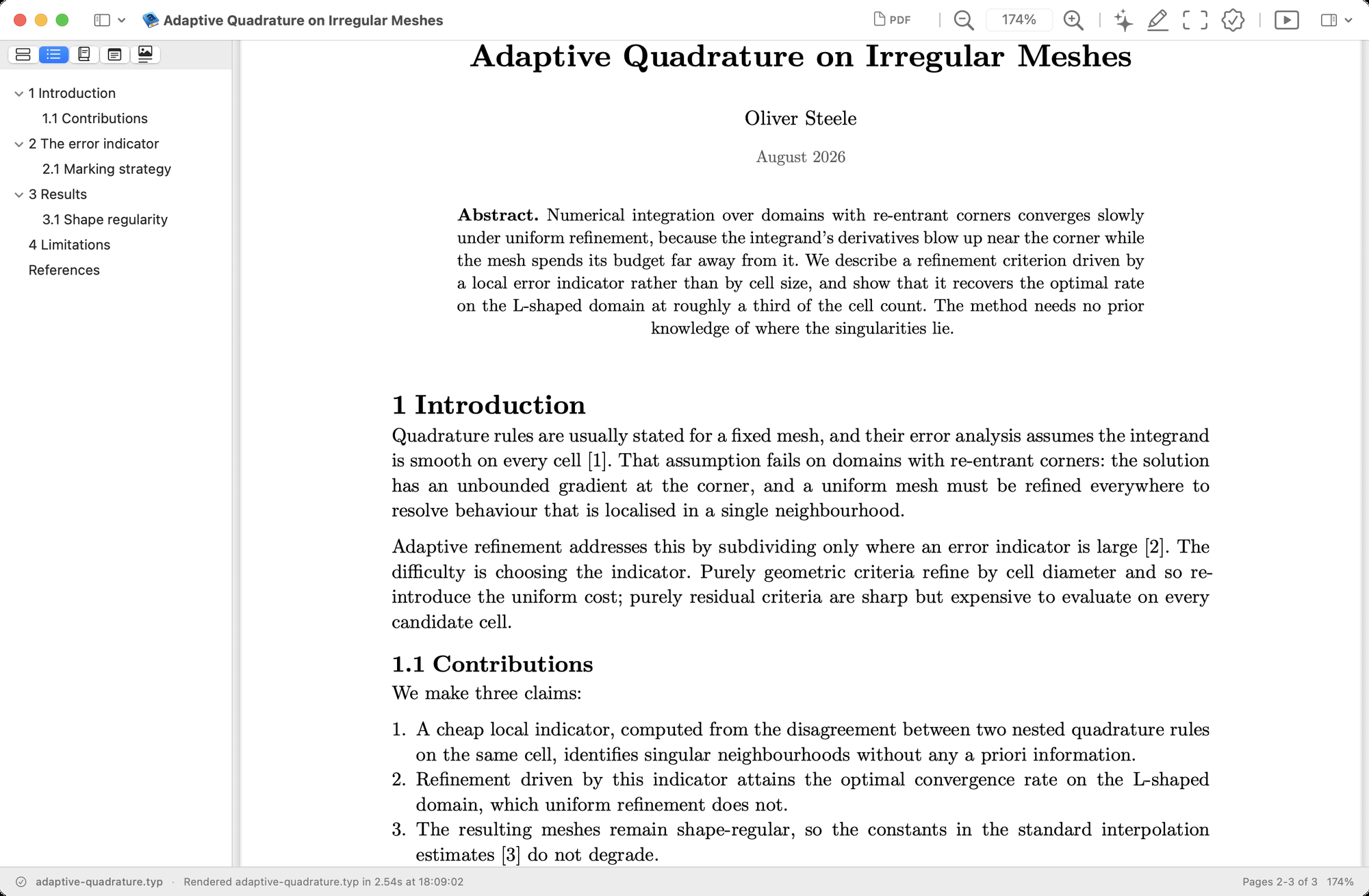
Open a .typ, .md, .tex, or PDF file. Typeset Viewer follows included source and .bib files, renders again when they change, and keeps your reading position. It also restores open documents when you relaunch it.
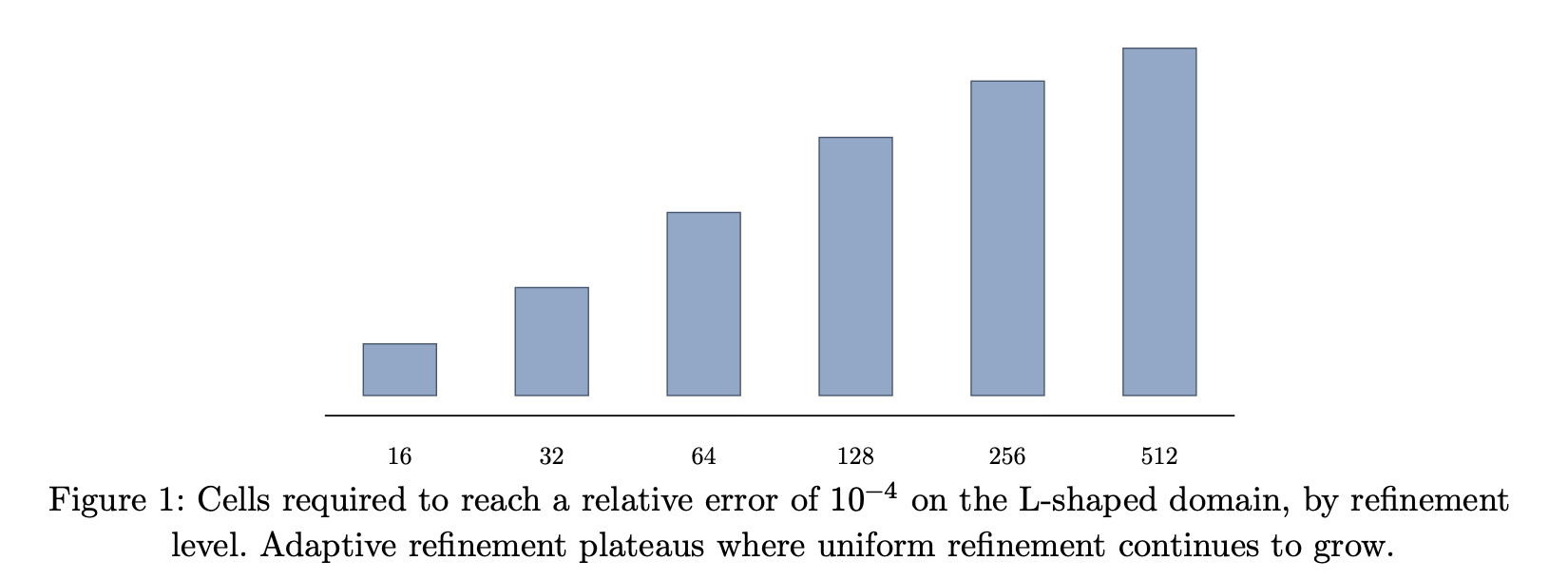


The title bar has a PDF icon. Drag it to the Finder or into a mail message. You can also export, print, or use --render from a script.

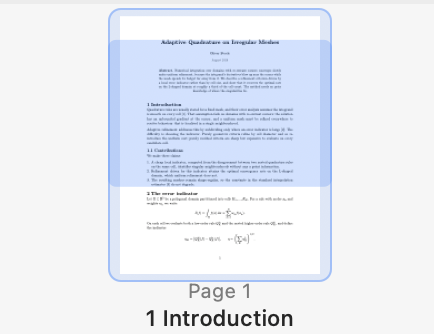
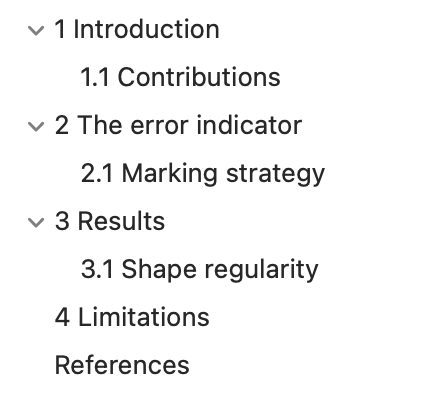
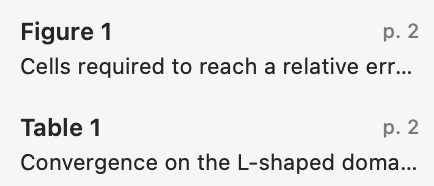
Save a group of document windows and tabs as a window set for a class, paper, or reading project. Open a set alongside the current workspace, switch between sets, or use the keyboard quick switcher to return to one document.
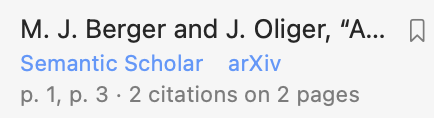
Each work cited gets links to its Semantic Scholar and arXiv pages, and a count of the places in your paper that cite it. You can add it to a reading list for papers you want to come back to.
Paste an arXiv or PDF URL to open a paper directly. The app downloads it and keeps a copy.
Paste an Overleaf project URL after enabling git for that project. Typeset Viewer keeps a local checkout, builds from it, and reports whether it is synced, has local changes, has remote changes, or is in conflict. Pull, push, and sync stay explicit commands.

Understand and remember
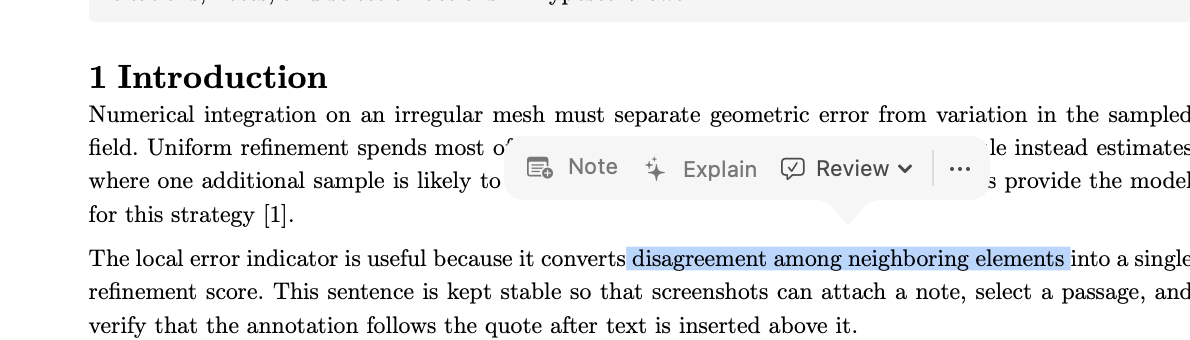
Select a word to look it up or search the web. Select a longer passage to add a note, get an explanation, or choose a focused review. The action bar appears after selection and dismisses when you keep reading.
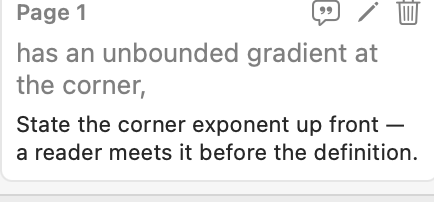
Highlight a passage to attach a note to it. The note remembers the words it was attached to rather than a position on the page, so it stays where it belongs after you rewrite the paragraph above it. Notes come along when you export or print.

The reading list collects papers added from references, arXiv links, and ordinary paper URLs. Each item keeps its title, authors, abstract, and the document that led you to it. Filter the list, reopen a paper or its citing document, search Semantic Scholar or arXiv, or export the list.
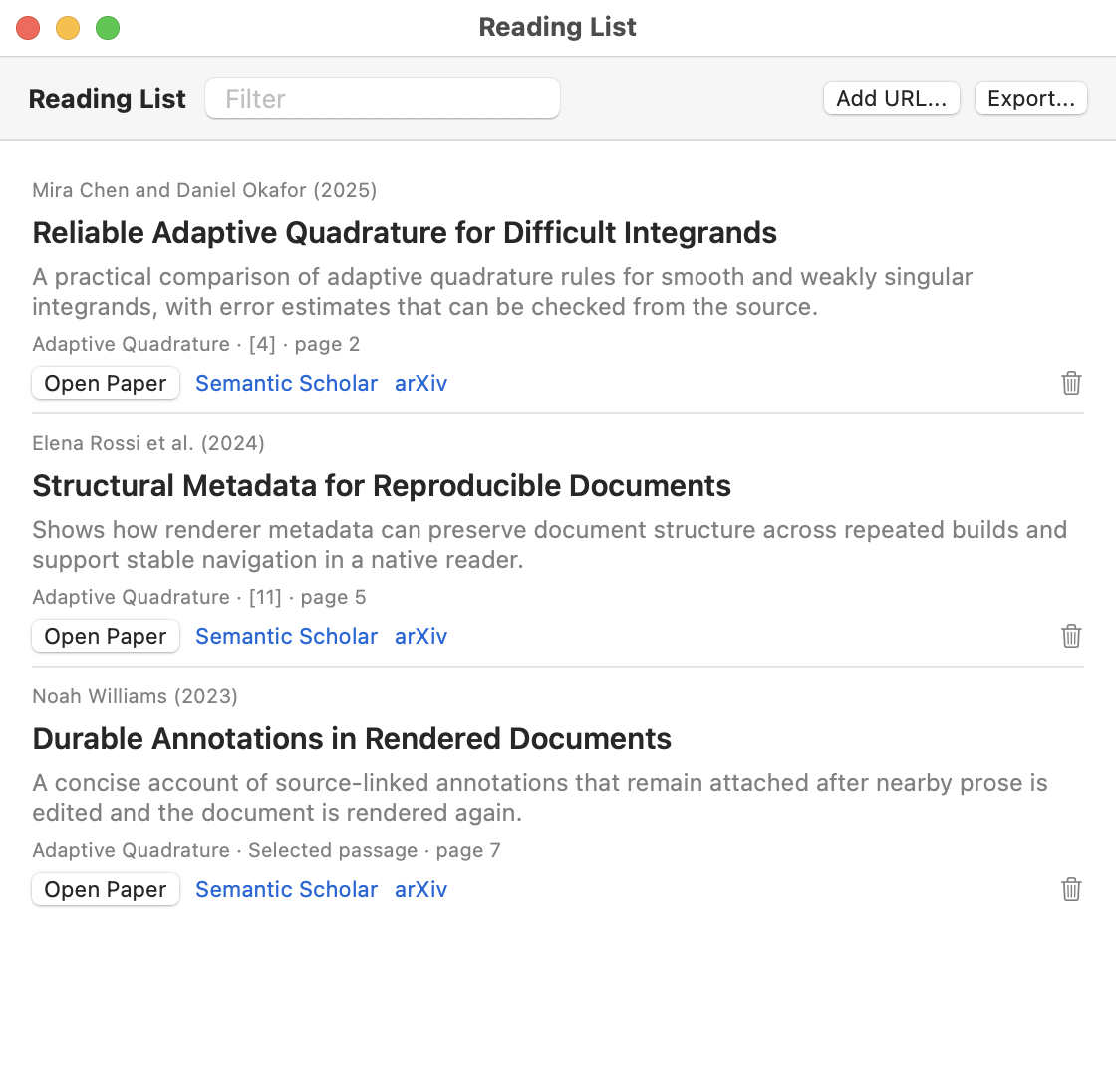
Turn a paper into a quiz with questions grounded in the text. Each answer stays hidden until you're ready. Mark a miss as Forgot, or say whether you recalled it partially, with effort, or easily; each choice shows when the question will return. Continue the discussion or jump back to the page and passage that supports the answer. This works for source documents and ordinary PDFs, as long as the PDF has searchable text.
Review and revise
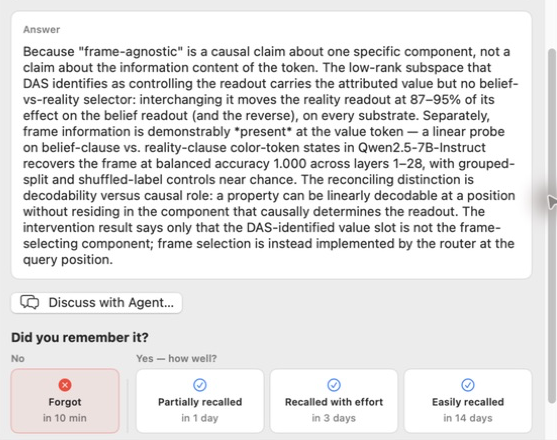
Choose a focused review to proofread the source, tighten a passage, test an argument, or check that cited works appear in the bibliography. Suggestions come back as cards you accept or reject one at a time. Nothing is written to your file until you say so.
When a preset review is not enough, continue in the document conversation. It carries the passage and its source context into an embedded chat, where you can ask follow-up questions about what you are reading.
Present
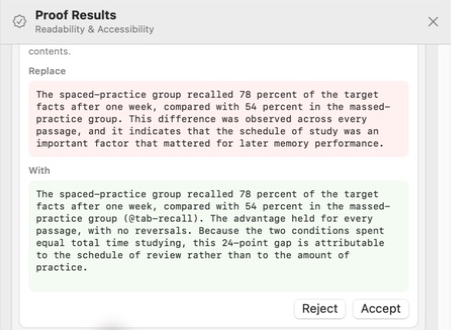
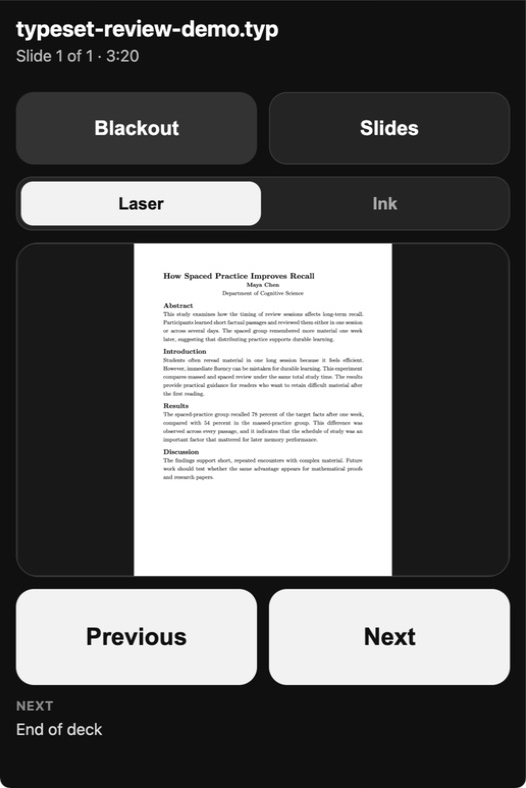
Presentation mode displays a Beamer, Typst, or PDF talk as slides. Scan its QR code and your phone becomes the remote, with next and previous controls, a slide grid, blackout, a laser pointer, and ink.The laptop and phone need a network path to each other. When both are running Tailscale, Typeset Viewer can use that connection instead of the local network.
All features
- Read source files and PDFs
- Open Typst, Markdown, LaTeX, and PDF documents in a native reading window.
- Stay with the text
- Watches source, included files, and
.bibfiles; renders on save; preserves your place; restores open documents. - Find your way
- Page thumbnails with headings; table of contents; figures and tables index; works cited; notes sidebar.
- Return to a reading project
- Named sets of windows and tabs; restored documents; a keyboard switcher for open documents and saved sets.
- Understand a passage
- Look up a word, search the web, get an explanation, add a note, or choose a focused review from the selected text.
- Keep notes and excerpts
- Text-anchored highlights and notes; notes included in exports and printing; draggable title-bar PDF.
- Follow references
- Citation counts; Semantic Scholar and arXiv links; a reading list that remembers where each saved paper came from.
- Return to what you learned
- Source-backed questions; hidden answers; four recall ratings; scheduled review; links to supporting passages.
- Review and revise
- Proofreading, argument checks, citation checks, and source changes accepted or rejected one at a time.
- Discuss the document
- An embedded, context-aware conversation for open-ended questions and follow-ups about the passage you are reading.
- Open papers from elsewhere
- Cached PDF URLs; direct arXiv downloads; Overleaf projects with explicit pull, push, and sync.
- Present from the document
- Page-fit slides; phone remote; slide grid; blackout; laser pointer; ink; previous and next controls.
- Use it from scripts
- Render a source file to PDF without opening a window, or report the compilers and helper tools available to the app.
Installing
Unzip the download and drag Typeset Viewer to your Applications folder. Typst is bundled, so .typ files work immediately.
Markdown rendering uses Pandoc.brew install pandoc LaTeX rendering uses latexmk.Install MacTeX or the smaller BasicTeX. Overleaf sync uses git. When one of these tools is missing, the app identifies it.
Explanations, reviews, new quiz questions, and document conversation require Claude Code or Codex. Reading, notes, references, presentation, and the rest of the app work without either.
Use Typeset Viewer from scripts
The app executable can run without opening a window. --render builds a Typst, Markdown, or LaTeX source file and prints the PDF path. --doctor reports the app and macOS versions, then the path and version of every compiler and helper it found.
$ "/Applications/Typeset Viewer.app/Contents/MacOS/Typeset Viewer" --render paper.typ
/work/paper.pdf

$ "/Applications/Typeset Viewer.app/Contents/MacOS/Typeset Viewer" --doctor
Typeset Viewer 0.8.0 (build 12)
Typst: bundled — typst 0.15.0
Pandoc: /opt/homebrew/bin/pandoc — 3.10.2
latexmk: /Library/TeX/texbin/latexmk — 4.88
Bugs and feedback
This is a one-person project and it is still before 1.0, so expect rough edges. Reports are welcome; I read all of them.
Report a bug, or use Help ▸ Report a Bug… in the app, which fills in your version and environment for you. For anything else, email me.
Typeset Viewer is free, but its application source is not public. The public repository contains releases, the issue tracker, and this website.